A whole home in one iPhone and iPad app. I led it from MVP to 1.0.
As lead iOS developer at a smart-home startup, I led a team of up to four developers through the MVP and version 1.0: an offline demo mode, a dedicated iPad experience, encrypted remote access, and real-time sync with the home’s hardware.
One app to run an entire home.
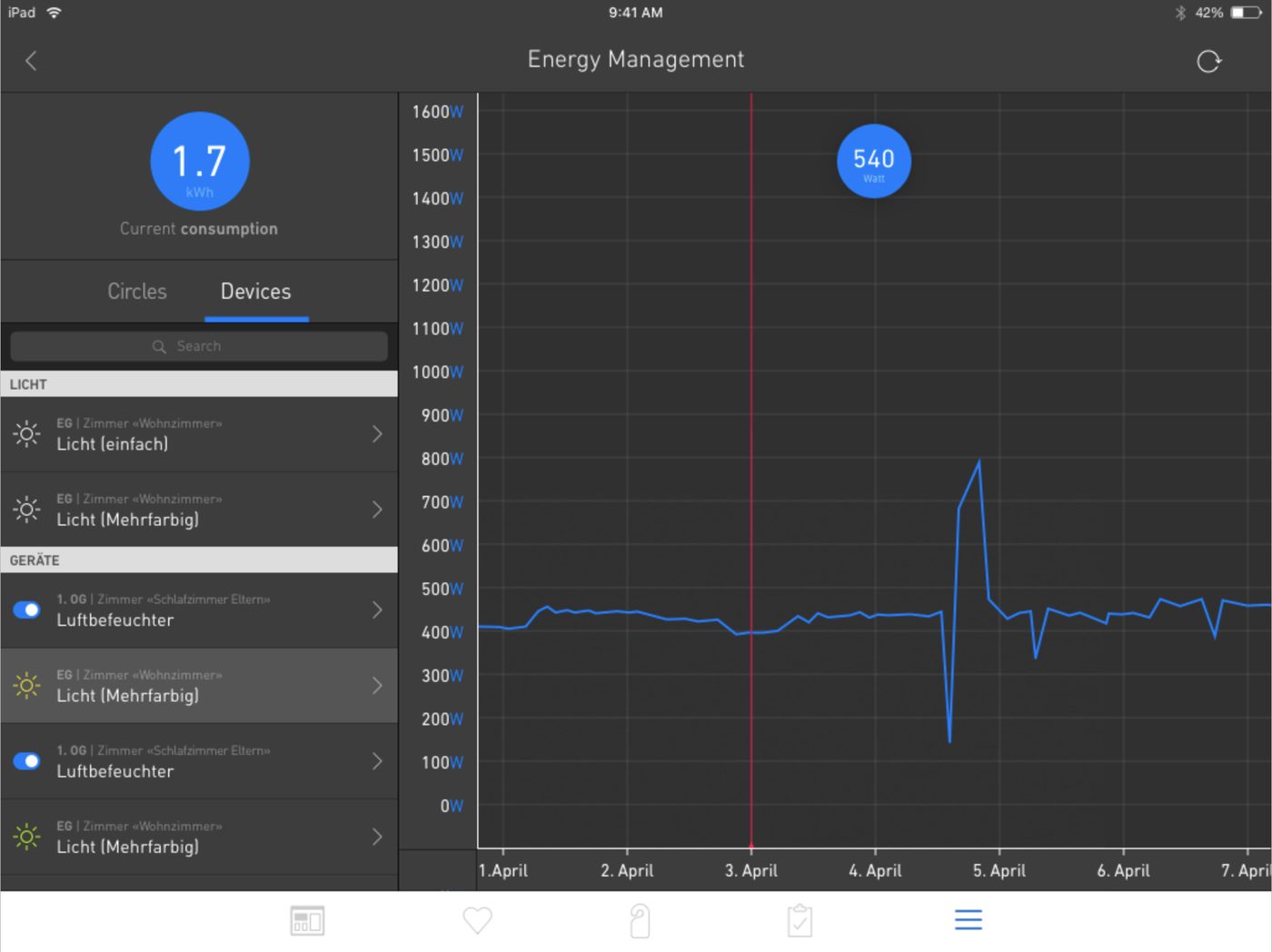
The startup built a smart-home system on Raspberry Pi hardware. The app controlled all of it: rooms and floor plans, scenes, lights, climate, energy use, music, cameras, and the door intercom.
I was the lead iOS developer. I led the development process with a team of up to four developers and delivered the MVP and version 1.0. It was one of the most complex apps I have built, with custom interactions, animations, and non-standard layouts on almost every screen.
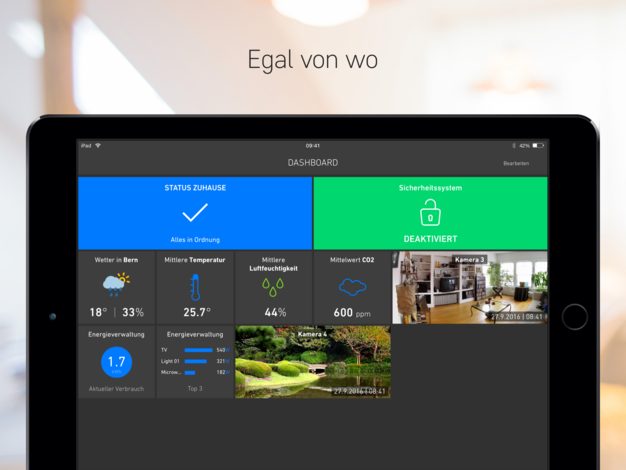
The full app, with no home and no internet.
The app had to work without a connected home, using a sample database, and every action had to behave exactly as it would in a real home.
We built a small server inside the app and injected it into the network layer with one line. The rest of the app did not know whether it was talking to a real home or to the demo.
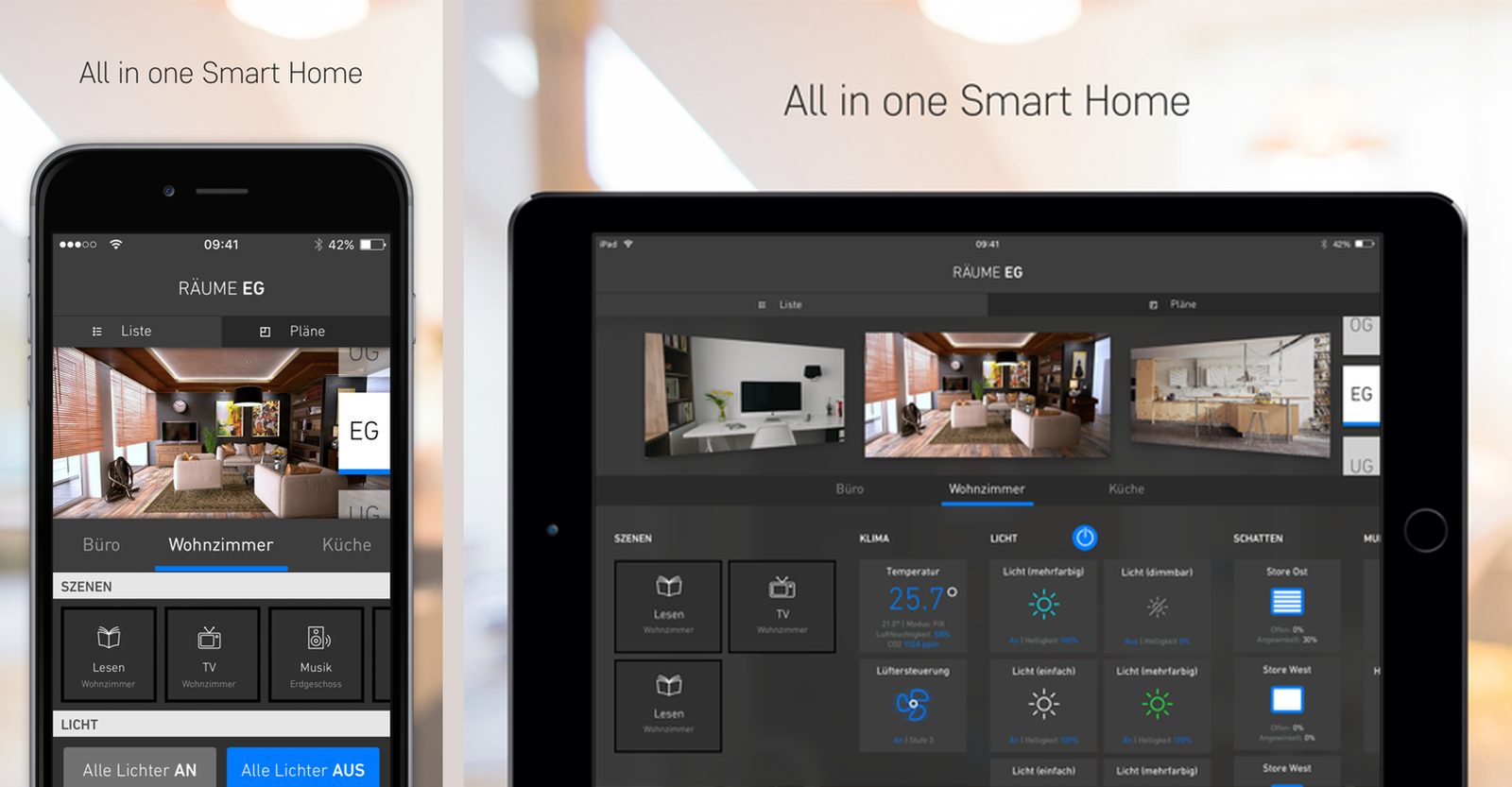
Not a stretched iPhone app.
The iPad version had its own layouts: most list screens on iPhone became grids on iPad. I built a shared interface for working with collections, so the same screen logic could drive tables, collection views, or custom layouts. The library is open source: Griddle.
Control the home from anywhere, safely.
People needed to control their home from outside the local network as well, so the connection had to be properly secured. The app generated a user certificate on the device and encrypted every message between the device and the MQTT broker.
Home data changed rarely, so we built full synchronization between the hardware and the app. A change made on one device appeared on the others in real time. Only device states, which changed often, were requested live, so the app did not have to reload every screen from scratch.
The app shipped. The startup later closed.
We released the app on the App Store. The startup has since closed, but the work covered the whole app: architecture, team leadership, security, synchronization, and a dedicated iPad experience.
I led a team of up to four developers and took one of the most complex apps I have built from MVP to version 1.0.
Bring me
the problem.
An app that needs building. A migration that needs someone to own it. Numbers that don’t make sense. A product decision your team can’t resolve. Tell me what’s happening. I’ll tell you whether I’m the right person, how I’d approach it, and what the work would cost.
Email Alex ↗alex@x91tech.com